Immediately
Everyone is dialled at once
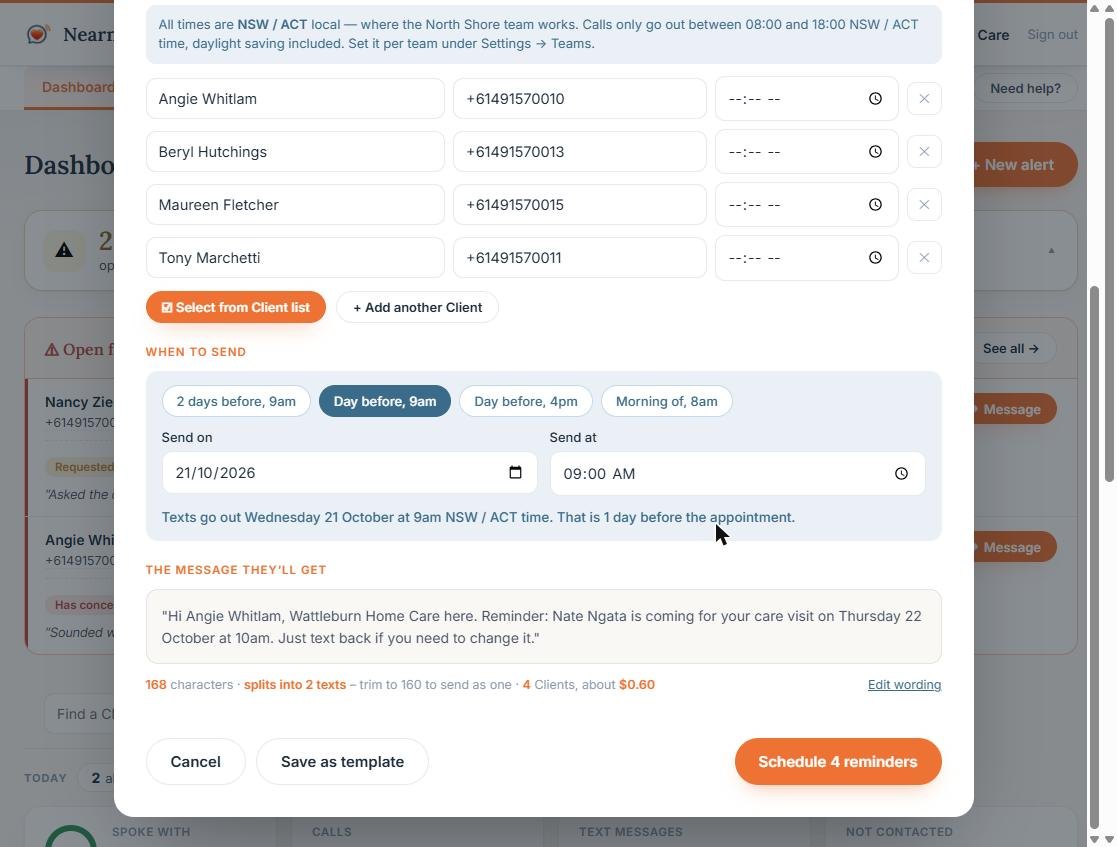
NAS does not work down a list. All the calls start together, so the last client on your list hears about it at the same moment as the first.
First, who answered
Making sure it is really them
People mishear, mumble, give a nickname, or say the wrong name and correct themselves a beat later. NAS gives identity at least two goes and takes the correction – and until it is sure, it will not say a word about why it is calling. If someone else answers, they are told nothing at all: not the worker, not the service, not that your client is a client.
About 60 seconds
A short, clear conversation
The call names your business, names the worker, gives the reason and asks what the client would like to do – a replacement today, or a rebook. It answers a reasonable question if they ask one, and it never pretends to be a person.
Straight afterwards
A text confirming what they agreed
One of a small set of fixed templates, chosen by what the client actually asked for. It never names a day or a time you have not got, and it never says why the worker is not coming. Free – the contact was already paid for when the phone was answered.
If something sounded wrong
Someone is told immediately
If the client described a fall, no food, running out of medication, pain or feeling unsafe, your team’s contact gets a text and an email within moments – with the client’s name and number. Someone who is merely put out about the visit is flagged for a call back instead. Sounding unhappy is a reason to ring a person, never a reason to wake one.
If nobody picks up
We wait, then try once more
A phone left in the next room is not a client who doesn’t want to know. NAS pauses and rings a second time before it gives up on the phone. It never leaves a voicemail – a message on an answering machine is not a client who has been told.
If a carer answers
The client still hears it themselves
NAS asks for your client first, every time. Only if they cannot come to the phone, and the person answering confirms they are the carer, is the message passed on – and your client is still texted. It is recorded as the carer being told, and it is never counted as having spoken with the client.
After the second miss
A text, from a number they can reply to
The same information in writing, so it is still there when they come back to the phone. It comes from the Nearness Australian mobile number – a real mobile a client can reply to, not a no-reply code – and your business is named in the message. The number a client is told to ring back on is your team’s own.
Whenever they reply
Their answer reaches a Care Partner
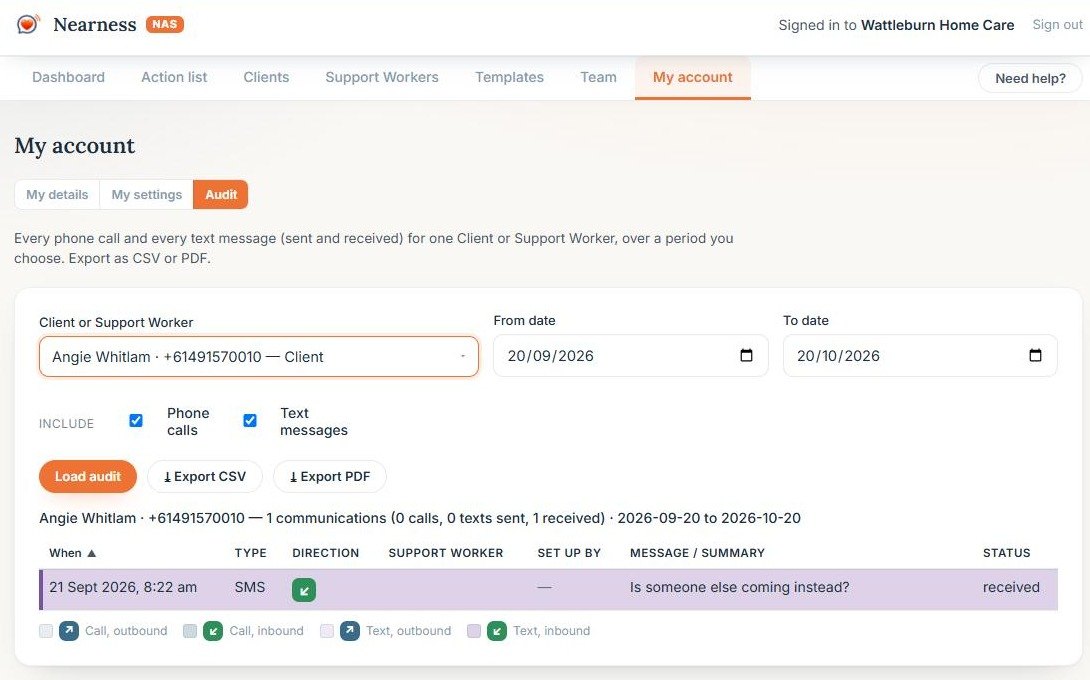
Replies land in the dashboard as a conversation. Your Care Partner answers from there, and the whole exchange stays on that client’s timeline.
If nothing worked
A person is told
A client who could not be reached at all, or who said something that needs judgement, goes into the follow-up queue and an email goes to the Care Partner. Silence is never mistaken for success.